Book a home visit
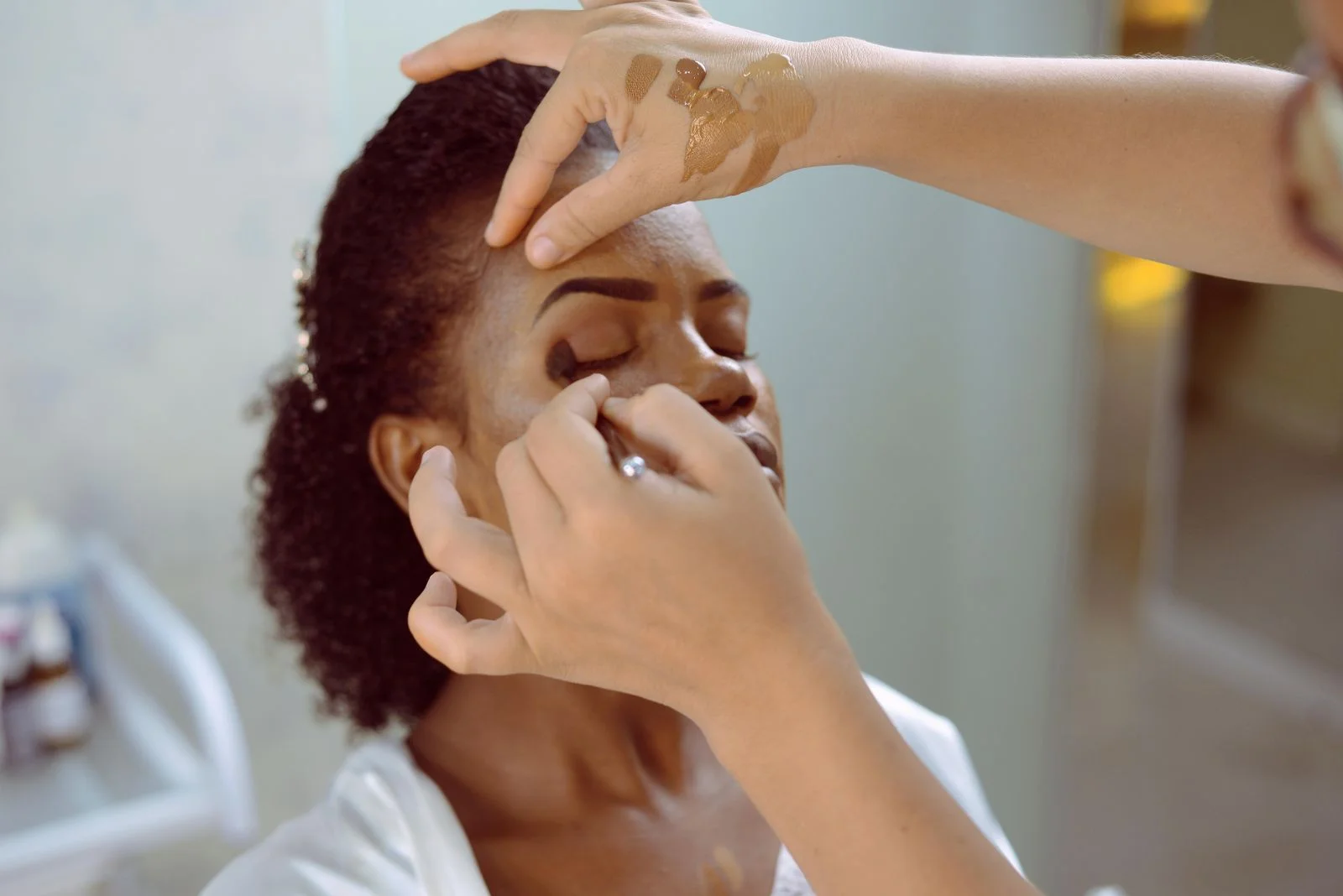
Choose a professional who offers home service. Confirm your address, service area and any travel fee before booking.

Loading your experience…
Discover beauty and wellness services, compare providers and book an appointment that fits your schedule.
Open the Khade app and search Tattoo to view professionals, prices and availability in your area.
Khade is available on Google Play. Services and booking availability depend on your area.
Choose a professional who offers home service. Confirm your address, service area and any travel fee before booking.
Choose an in-studio appointment and check the provider’s address, services and available times in the app.
The customer app brings discovery, booking, payments and appointment updates together.
Choose the app for you. Customers can discover providers and book services; professionals can manage their business and bookings.
Khade connects customers with beauty, wellness, grooming and care professionals. Discover services, compare provider profiles and arrange appointments through the Khade app.
Providers choose which service options they offer. Check the provider’s profile for studio appointments, home visits, service areas and any travel fees before booking.
Look for identity verification on a provider’s profile. Identity checks do not guarantee a service outcome or replace checking relevant professional qualifications.
The Khade Customer and Khade Provider apps are available on Google Play. Download the customer app at https://play.google.com/store/apps/details?id=com.khade.khade or the provider app at https://play.google.com/store/apps/details?id=com.khade.provider. Services and appointment times depend on your location and current availability.
Start with the professional registration form. Share your business category and service area so the Khade team can guide you through the right onboarding steps.
Use support in the app or email support@khadeapp.com with your booking reference. Never send passwords, one-time codes or full payment-card details.


